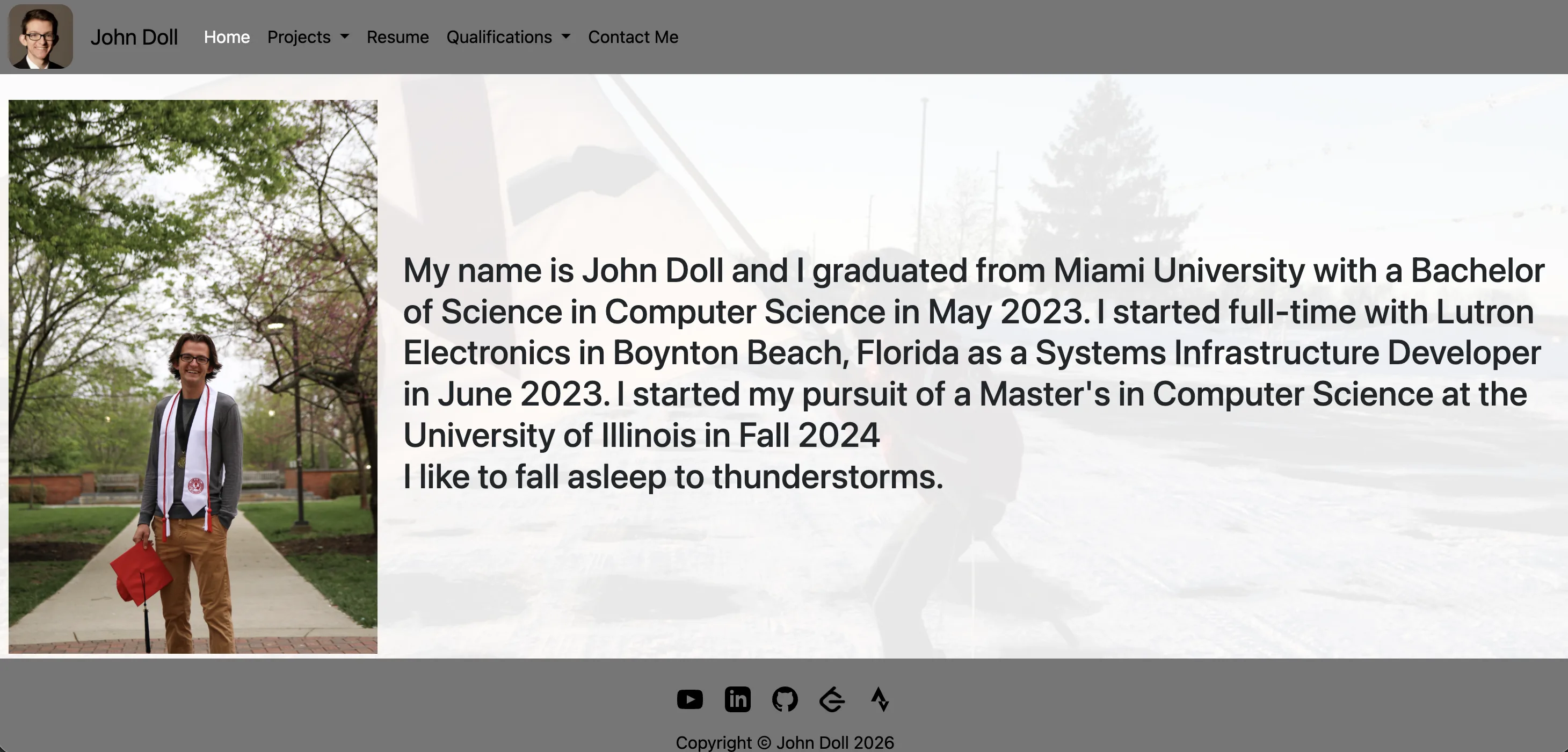
Website 2.0
My second personal public-facing website, and the latest to be deprecated.
History of this Website
I actually had the idea to make a new website shortly after beginning work on my first site. In case you haven't seen the run-down on my old website 1.0, here it is: I began working shortly after the end of my first year at Miami, having merely been exposed to HTML, CSS, and JavaScript. I had never heard of Bootstrap or jQuery or anything of the sort. All I knew was that HTML + CSS + JavaScript = website. I knew I was going to be taking Web Applications at Miami my sophomore year, and expecting to learn more about web design, so I lost interest and began to focus on other projects. At the time of creation of this website, my sophomore year had just ended. Keep reading for more about why this, why that and what I've picked up thus far. I made some changes in attempt to keep the website up to date, but the majority of the content and structure was still from May 2022.
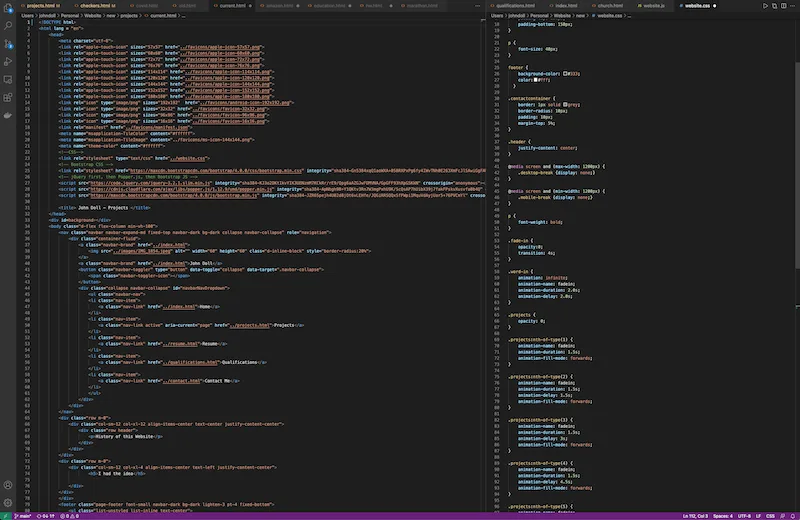
I created my first website without the use of Bootstrap. Compared to that experience, Bootstrap saved my life. You wouldn't believe the pain I felt when I figured out that creating a navigation bar could be done with just a few lines in Bootstrap, after I had spent an entire day creating my own custom navigation bar way back when. Switching the navigation bar over to Bootstrap was about the first thing I did when writing up the code behind website 2.0. That and my footer, which I also built on my own way back when, were now going to be handled by Bootstrap. Also, the grid system. Several hours of work converted to minutes by beautiful Bootstrap. Enough about Bootstrap though, how was website 2.0 hosted?
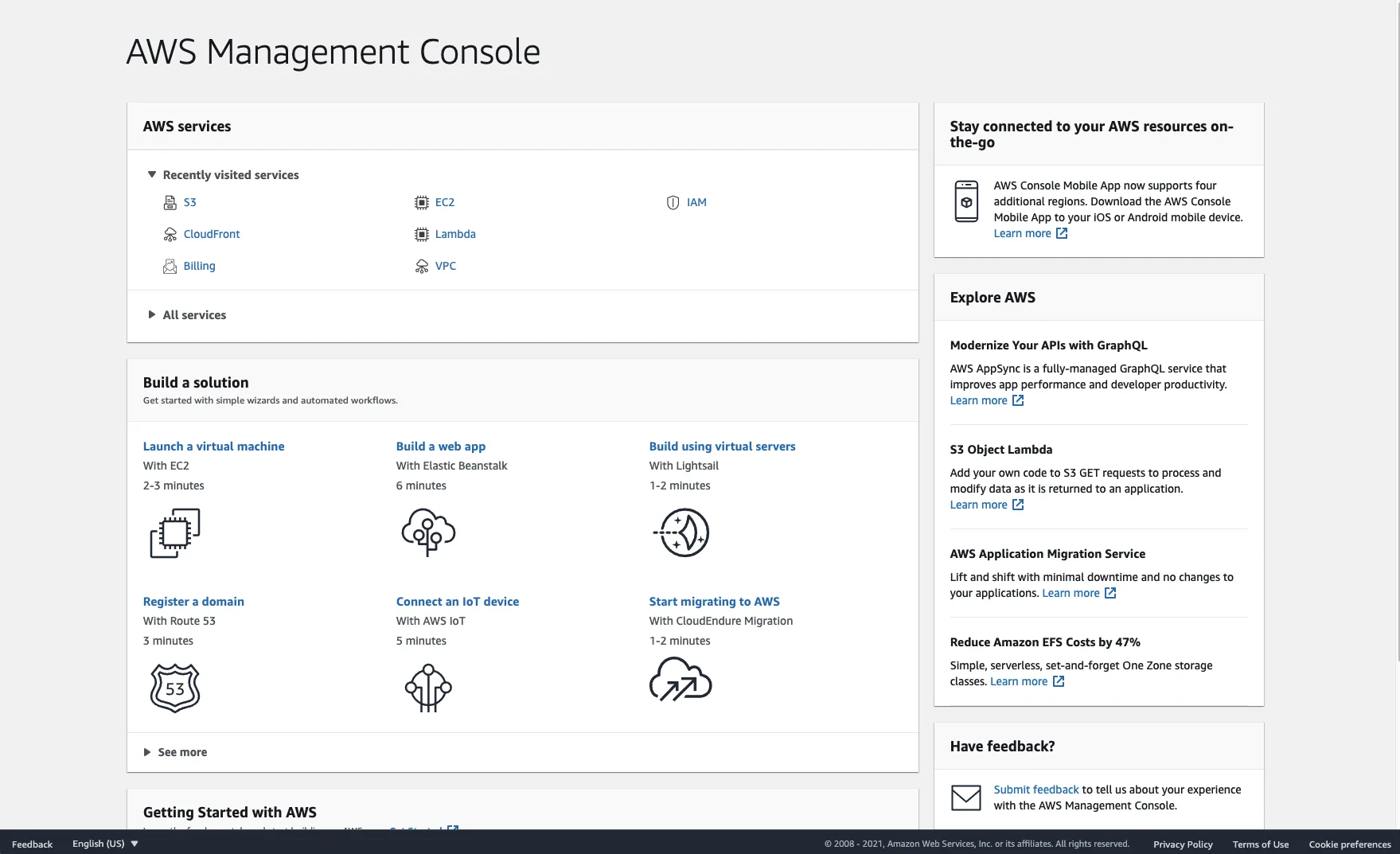
Originally, I hosted my website using HostGator. It did the job just fine. I didn't realize it at the time, but it was much more expensive than other options out there. Upon getting my internship at Amazon, I enrolled in a course they were offering on Amazon Web Services (AWS). I learned mostly surface level information which prepared me for the AWS Cloud Practitioner Exam. It touched on Amazon Simple Storage Service (Amazon S3) and Amazon Cloudfront. I didn't know it at the time, but my site would end up being hosted using those services. It took just one push from my Mentor at Amazon on the first Friday of my internship nudging me to use S3, and the next day I was all over it. What I decided to do first was transfer my domain from Google Domains over to Amazon Route53, their DNS service. This turned out to be very useful because now, effectively all the resources I was going to use were on AWS. What's more is that I decided I wanted to create some SSL/TLS certificates for my website, which is where Cloudfront and Amazon Certificate Manager come in. This took me just a bit but now as you can see, my website is secure using HTTPS. Transitioning to AWS was overall a very good move in retrospect because now all my services are in one hub and very conveniently interact with one another and integrate seamlessly.
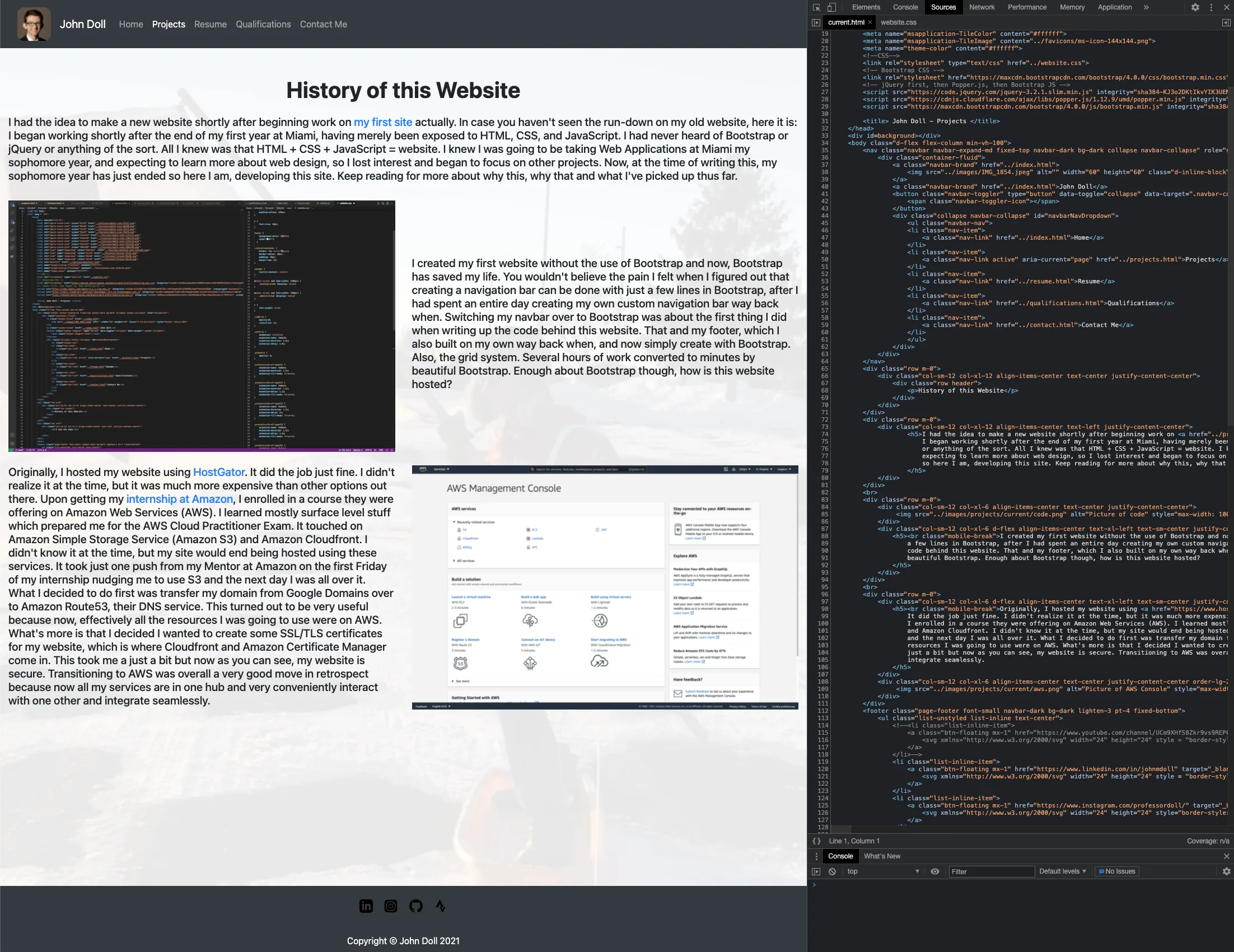
I used a combination of the developer tab in Chrome and Visual Studio Code to do my development. I started with just the 5 webpages and slowly expanded to a smaller version of the website I have today. At the time of creation, my website 1.0 had content on the five main pages, but website 2.0 was to have content on more pages in multiple sections. Once I developed every page to a satisfactory level, I went back and made enhancements and changes as I saw fit. First, I wanted to create a good product that to your average person looked pretty darn good. Then, I went back, tidied up, got rid of any existing bugs, and did some beautification, especially for the mobile end. In hindsight, I know this website wasn't the best, but it was much better than website 1.0, and I was able to use a lot more skills all-around to build it, with a bigger vision.